3 Tips to Elevate Your ’Fit Checks with vivo’s Fashion Edition Smartphone, the V70 FE
Picture-perfect looks
Our top mobile photography tips for snapping the best outfit check photos using the all-new vivo V70 FE.
Taking pictures of your outfits (or, as the internet calls it, ’fit checks) has come a long way from quick mirror selfies. Today, they double as mini lookbooks—capturing not just what we wear, but how it reflects our personal style and identity. As we put more thought into how we present our outfits online, the demand for sharper, more versatile smartphone cameras has never been higher. After all, getting the perfect shot often means juggling multiple angles, reframing on the go, and hoping every detail comes through clearly.
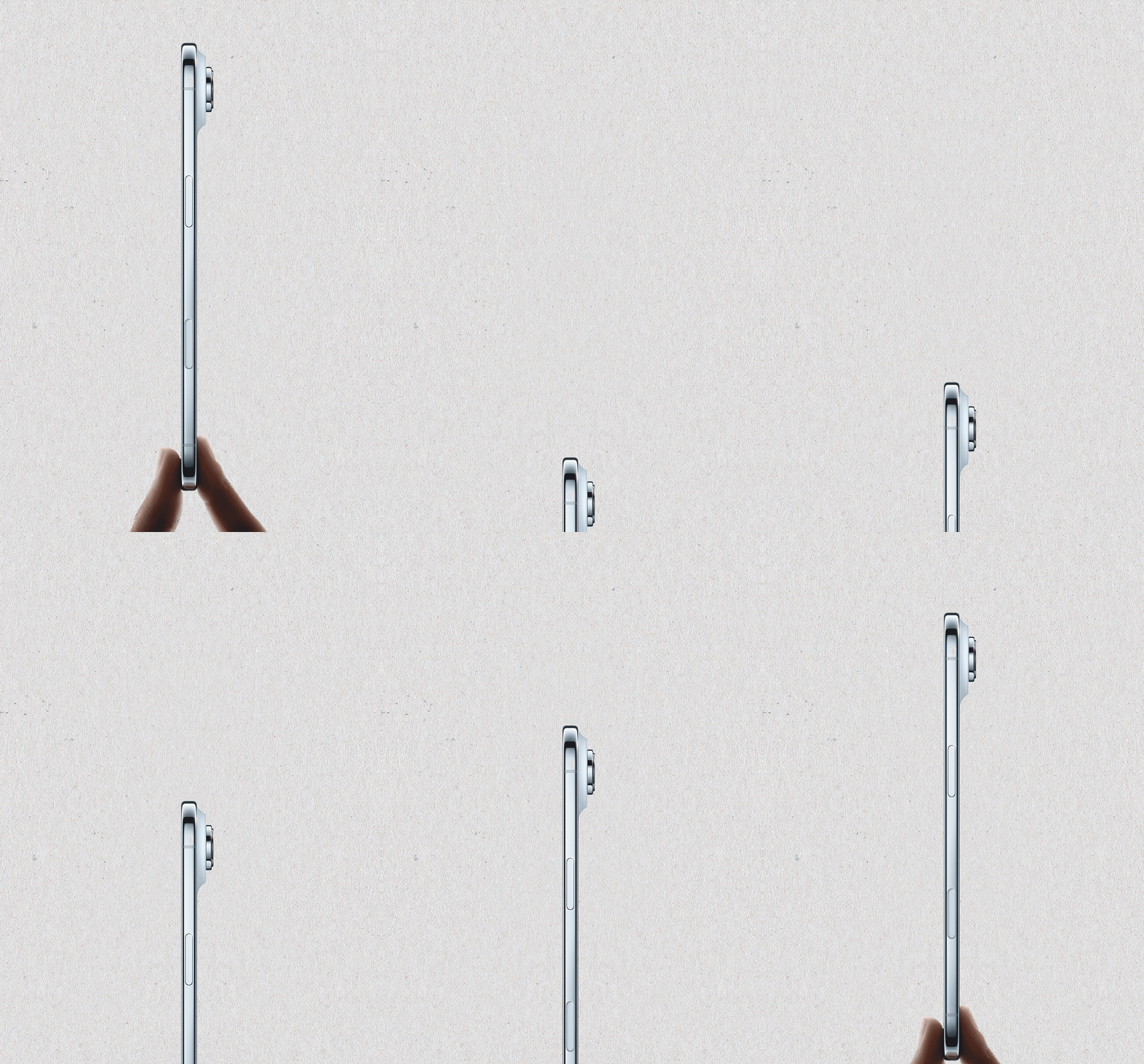
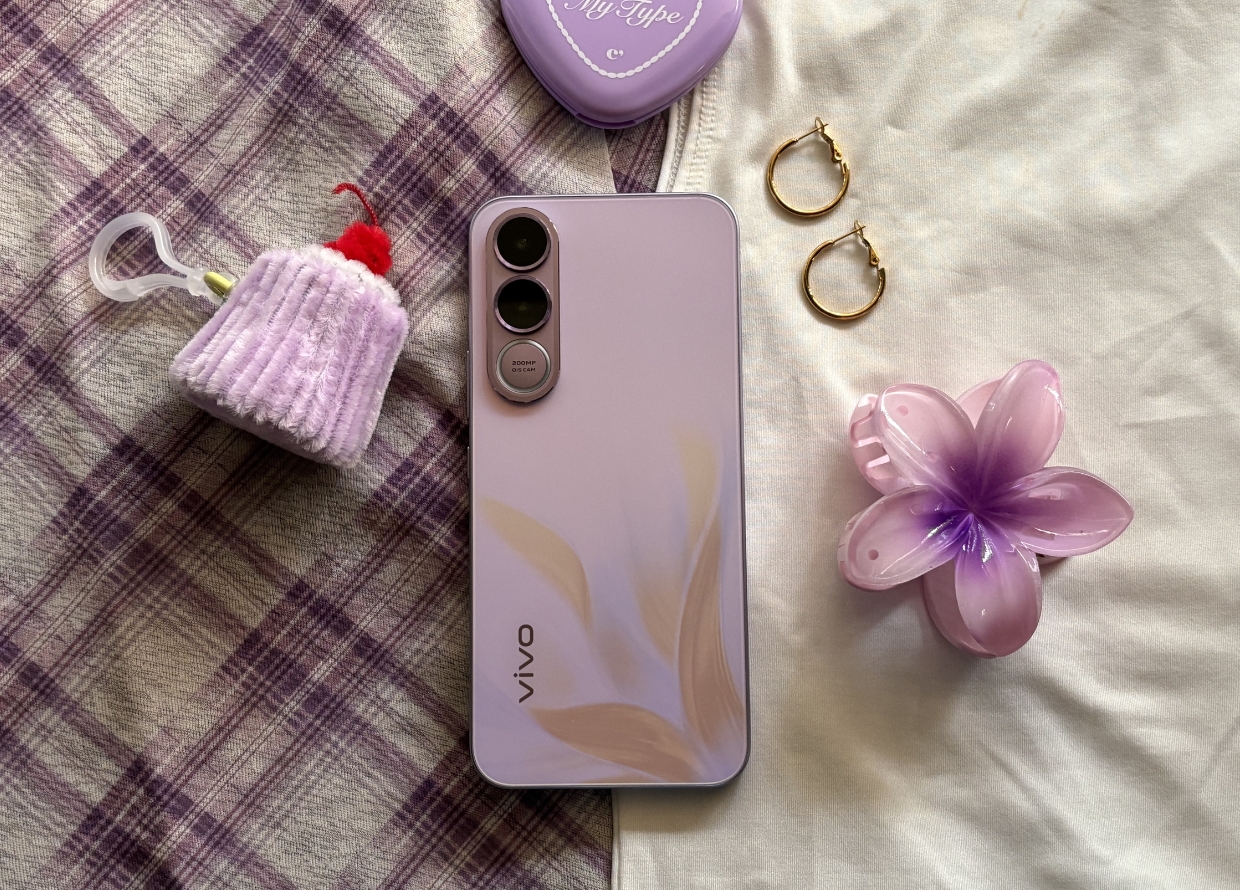
That’s where the vivo V70 FE comes in. The latest addition to the tech brand’s extensive smartphone lineup, the V70 FE is designed for a generation that meticulously curates every aspect of their aesthetics. Equipped with a 200MP Optical Image Stabilisation (OIS) Ultra-Clear Main Camera and other advanced features, you can count on crisp, high-resolution images that are ideal for compiling a cohesive outfit series on social media.
Available in three striking colours, including Muse Purple, the vivo V70 FE also serves as a chic extension of your wardrobe. Ahead, learn how to take your ’fit check photos to the next level with these simple tips using the vivo V70 FE!
TIP #1: START WITH A FULL-BODY SHOT USING THE 200MP MAIN CAMERA

The first step to curating an eye-catching outfit compilation is a strong hero shot. For this, we put the vivo V70 FE’s 200MP OIS Ultra-Clear Main Camera to the test, paired with an outfit inspired by the phone’s purple hue. This feature captures your images with precision, ensuring every fabric, texture, and pattern stays crisp while letting colours pop in vivid detail. Thanks to OIS, you don’t have to worry about shaky hands—your shots remain sharp and blur-free, even when shooting handheld. Simply switch on 200MP mode on your camera interface, make sure you’re in good lighting, and strike your best pose!
TIP #2: ZOOM IN ON YOUR ACCESSORIES USING THE ULTRA-CLEAR PHOTO CROP

Now that you’ve got your full-body image, you can use it as the base for multiple posts. It’s important to highlight different aspects of your ensemble, especially when you’re wearing accessories. Here, the Ultra-Clear Photo Crop comes in handy when you want to zoom in on finer details or isolate specific elements without losing clarity.

There’s no need to stress over taking multiple photos. With one carefully framed shot, you can showcase several close-ups of your statement pieces. Each crop gives a fresh perspective, making your outfit compilation feel dynamic yet polished.
TIP #3: SHOOT FIRST, AND REFRAME LATER!

If you’re unsure about framing, don’t fret! With the vivo V70 FE, you get the flexibility to “shoot first, decide later.” Using the Ultra-Clear Photo Crop, you can easily minimise a busy or unwanted background, keeping your outfit front and centre without compromising on quality. Based on your social feed, you can experiment with different compositions to see which framing works best for your aesthetic.
The vivo V70 FE is now available for pre-booking online. For more information, visit the official vivo website.
For more technology reads, click here.
| SHARE THE STORY | |
| Explore More |