Apple Introduces New Accessibility Features and Adaptive Accessory for 2026
For all

A quick overview of the new accessibility features coming to iPhone, iPad, Mac, Apple TV, and Apple Vision Pro later this 2026.
Apple has long been ahead of the game when it comes to accessibility and bringing the power of its tech to everyone. Each year, around the time of Global Accessibility Awareness Day (GAAD), the brand introduces ways for its users with disabilities to access its devices and empower themselves even more with new features developed with accessibility in mind. Last year, we saw groundbreaking functions like Name Recognition and Magnifier for Mac make their debuts. This year, Apple Intelligence comes into play, making the existing suite of accessibility features even smarter and powering brand new ones. Below, we tell you all about the five most impressive updates as well as introduce you to a new accessory that helps users hold their iPhone with ease.
MORE FROM VOICEOVER & MAGNIFIER

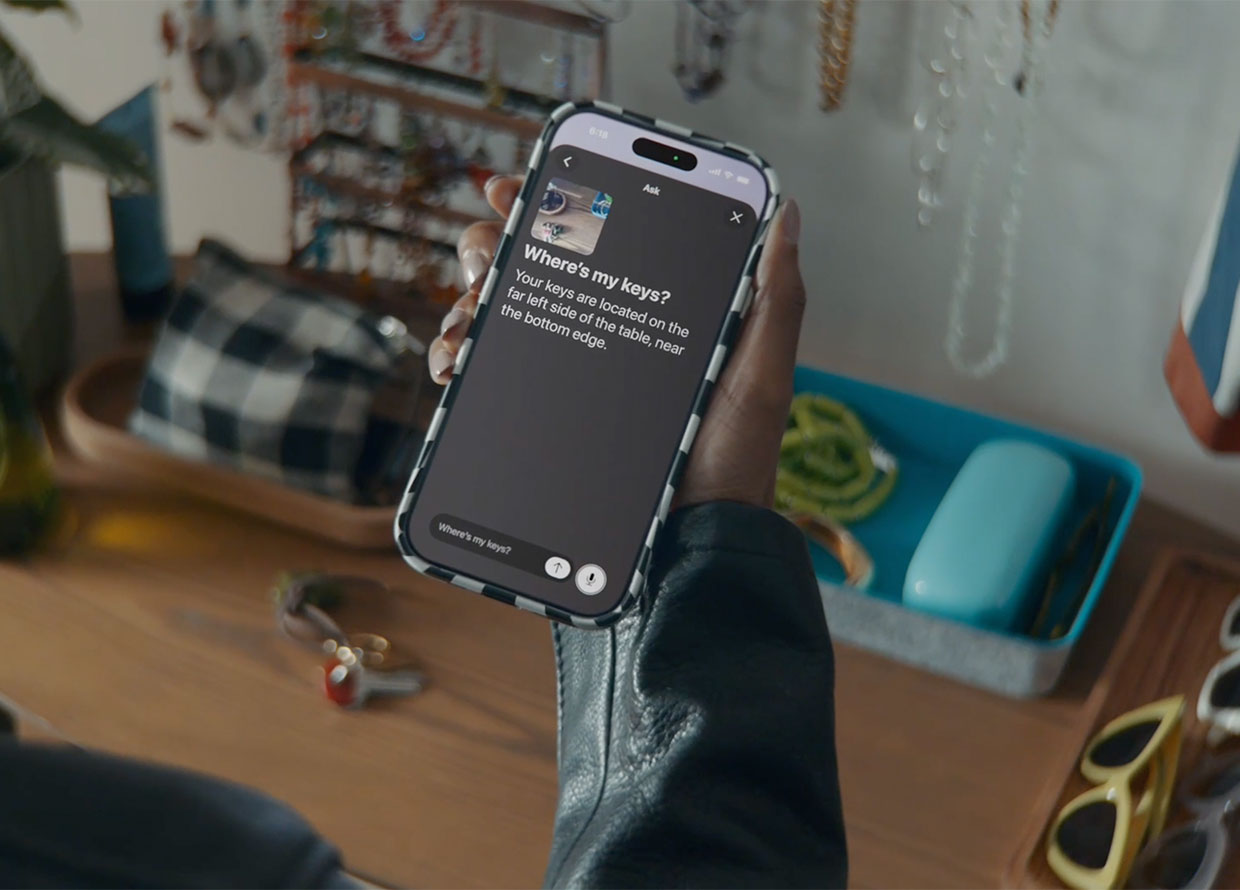
Upgrades arrive to VoiceOver & Magnifier for users who are blind or have low vision. With the power of Apple Intelligence, the tools allow for users to get descriptions of images and their surroundings with even more certainty. Image Explorer in VoiceOver can give detailed descriptions of bills, records, and other visual content. Meanwhile, Live Recognition helps users identify what’s in front of their camera’s viewfinder and interact with the user to provide more information.
Magnifier, on the other hand, can reinterpret complex documents or fine print into a high-contrast interface for users to have low vision. Not to mention, the tool is also available as a shortcut with the Action button, so users have quick access to it whenever they need.
Watch this video to see how it works.
NATURAL LANGUAGE ON VOICE CONTROL

Voice Control, with the help of Apple Intelligence, is now easier to use than ever before with its natural language abilities. Users can navigate their iPhone or iPad entirely by voice, describing onscreen buttons, controls, and more using natural language. This means they won’t have to memorise commands or labels and can simply speak to Voice Control using simple language and visual cues. Simple “say what you see” with commands like “tap the orange folder” or “zoom in on the red text”. This is especially useful when there are elements on the screen that aren’t properly designed or labelled for accessible reading.
ACCESSIBILITY READER GOES FURTHER

Speaking of accessible reading, Accessibility Reader gets smart upgrades to help users with a wide range of disabilities access information better. The tool is now able to work with more complex documents, sort through columns, analyze images, and read tables on documents, presenting them in a simplified, easy-to-read interface. Plus, with Apple Intelligence, it can also now provide summaries on-demand and translate text while retaining the custom format, font, and colours chosen by the user.
THE DEBUT OF GENERATED SUBTITLES

Captions are commonplace on the Internet nowadays, bringing visual media to users who are deaf or hard of hearing. Apple is now expanding the impact of closed captions to your camera roll, bringing Generated Subtitles to clips recorded on iPhone, shared content, or videos online. To make things even more accessible, users can also customise the appearance of their captions in the video playback menu or Settings. This feature will be available across the Apple ecosystem on iPhone, iPad, Mac, Apple TV, and Apple Vision Pro.
WHEELCHAIR CONTROL ON APPLE VISION PRO

With Apple Vision Pro’s new Wheelchair Control feature, power wheelchair users who don’t have the option of driving with a joystick can maintain independent movement with its precision eye-tracking system. It does away with the need for frequent recalibration or specific lighting conditions and makes moving around simple. This feature is set to launch in the United States with Tolt and LUCI alternative drive systems only with an expanded network in the works.
HIKAWA GRIP & STAND
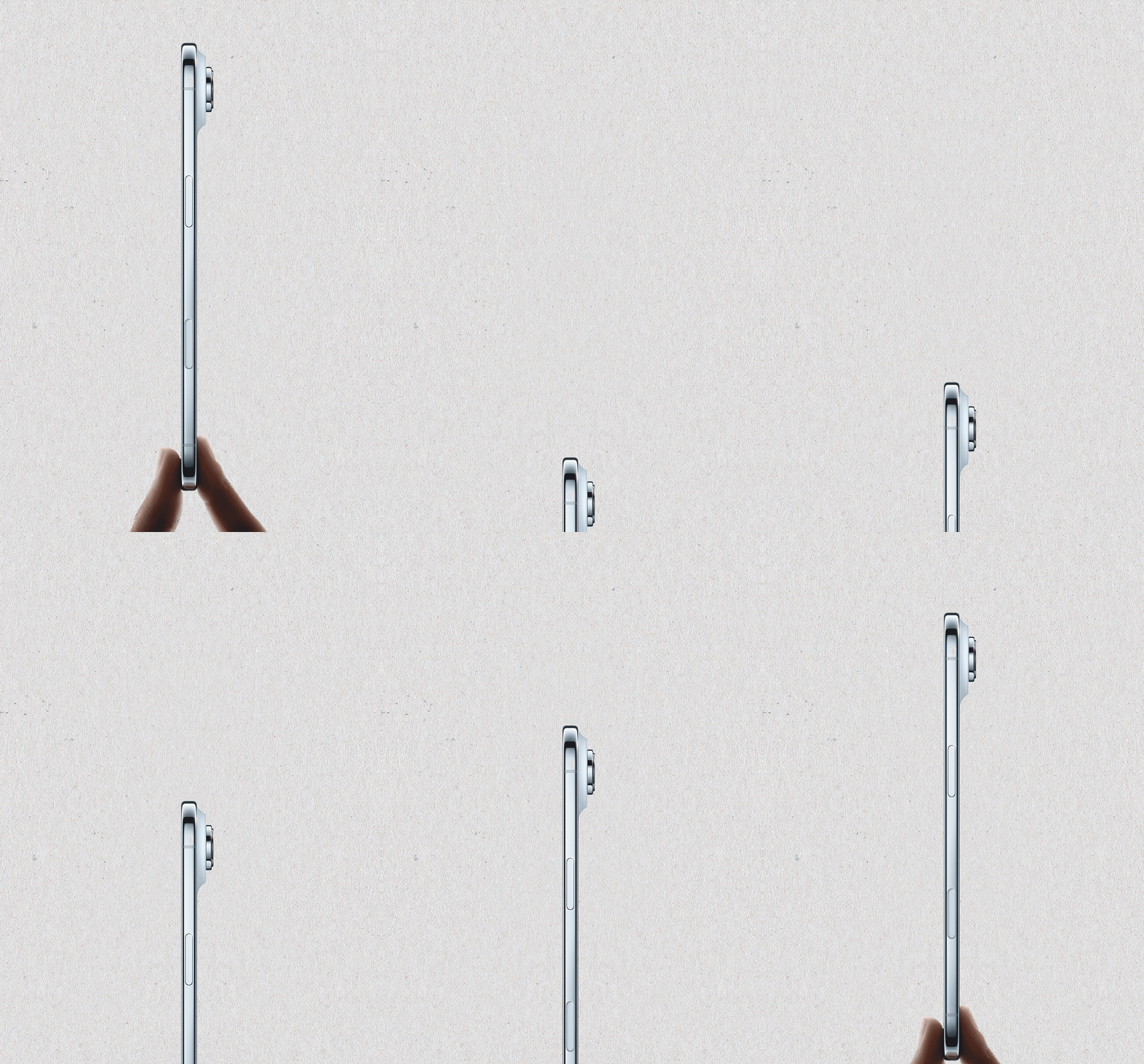
Los Angeles-based designer Bailey Hikawa has developed a new MagSafeaccessory, made in collaboration with individuals with a wide range of disabilities that affect grip, strength & mobility. This one accessory can work in multiple ways as a grip or stand, helping users hold their iPhone in a position that is comfortable and ergonomic. Available in three colourways, it is now available in the Apple Store online globally.
OTHER UPDATES

The cult favourite Vehicle Motion Cues is now expanding its reach into visionOS, while Larger Text support makes its way to tvOS for users with low vision. Also, Name Recognition now works in over 50 languages. Sign language interpretation app developers can now add a human interpreter to their FaceTime calls too. Finally, those who rely on the Sony Access controller can now connect it as a game controller on iOS, iPadOS, and MacOS to enhance their gaming experiences.
Find more BURO technology content here.
| SHARE THE STORY | |
| Explore More |